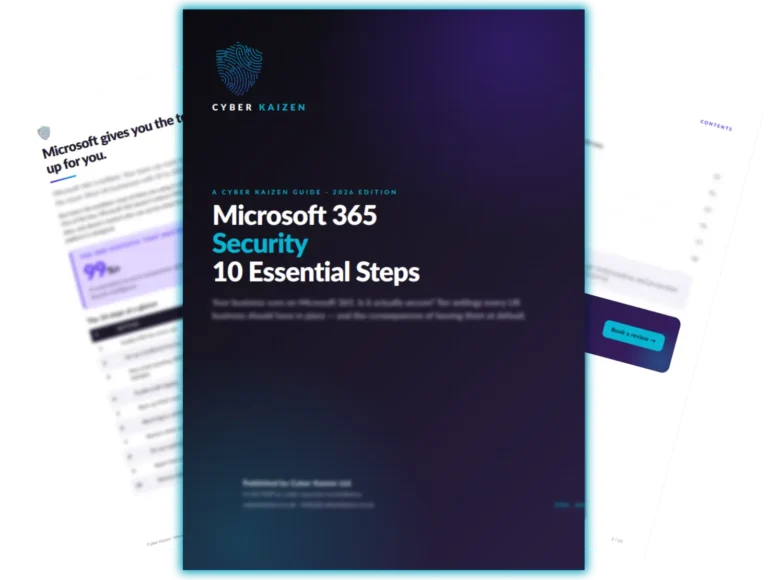
Microsoft 365 offers powerful tools for collaboration and remote work, but its default settings leave important security gaps. This guide covers 10 essential security settings and features that help protect your business, data, and users from common threats.
Your Business Runs on Microsoft 365. Is It Actually Secure?
Microsoft 365 is brilliant. Your team can work from anywhere, collaborate in real time, store files in the cloud, and communicate without thinking twice. Most UK businesses with 10 to 200 employees are using it every single day.
But here’s the problem: most of them are using it with the default settings. And the default settings are not secure.
Out of the box, Microsoft 365 doesn’t enforce multi-factor authentication, doesn’t protect against email spoofing, doesn’t back up your data, and doesn’t restrict who can access what from where. That’s not a criticism of Microsoft – it’s simply how the platform is designed. It gives you the tools. It doesn’t set them up for you.
This guide walks you through ten settings and features that every business should have in place. None of them require specialist knowledge to understand. All of them make a measurable difference.
Let Us Check Your Microsoft 365 Security - for Free
Our free IT Health Check includes a full review of your Microsoft 365 environment. We’ll check every one of these ten steps, identify any gaps, and give you a clear report – in plain English – of what needs attention.
No obligation. No sales pressure. Just the facts about your current setup.
No obligation. No pressure. Just an honest conversation about what your internal team needs.
"We didn't realise our Microsoft 365 wasn't backed up until Cyber Kaizen checked. That was a wake-up call."
Where to Start - Six steps that cover 90% of your risk, in plain English.
Download the Free Guide
The Complete Guide to Managed IT Support
Everything you need to know before you sign with a provider.
Download the Free Guide
Download the Free Guide
Get your free guide
We'll email you the guide, then a few short follow-up emails on the same topic. No spam, no sales calls unless you ask, and you can unsubscribe at any time. Privacy Policy