

Call Anytime

0800 208 8456

Blog Category: Guides

How to Reinstall Windows 11 – Step-by-Step Guide for a Clean Install

How to Reinstall Windows 11 – Step-by-Step Guide for a Clean Install Is your computer running slow, constantly crashing, or plagued with errors? Sometimes the best fix is to reinstall Windows 11 for a fresh start. A clean install can resolve system issues, remove malware, and improve your PC’s performance. In this guide, you’ll learn how to reinstall Windows 11 safely, including using Microsoft’s built-in tools or creating a bootable USB. Why Reinstall Windows 11? Reinstalling Windows 11 is recommended if you’re experiencing: Performance […]

Read More ❭❭

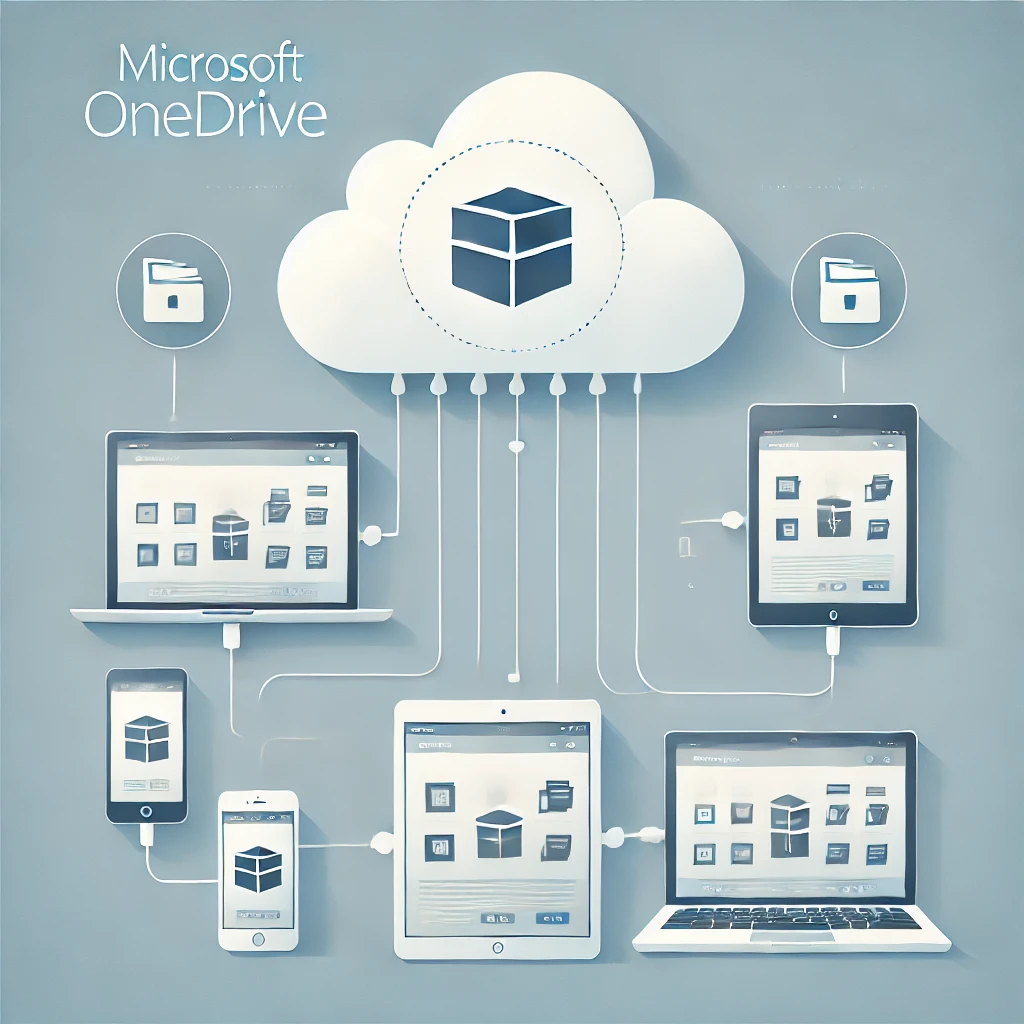
How to Add a Device to Microsoft OneDrive (Step-by-Step Guide)

How to Add a Device to Microsoft OneDrive (Step-by-Step Guide) Looking for an easy way to add a device to Microsoft OneDrive? Whether you’re setting up OneDrive on a new computer, phone, or tablet, this guide will show you how to connect your device and start syncing your files. OneDrive is Microsoft’s cloud storage solution that lets you access your files from anywhere, on any device, while keeping them secure and automatically backed up. Why Add a Device to OneDrive? Adding a […]

Read More ❭❭